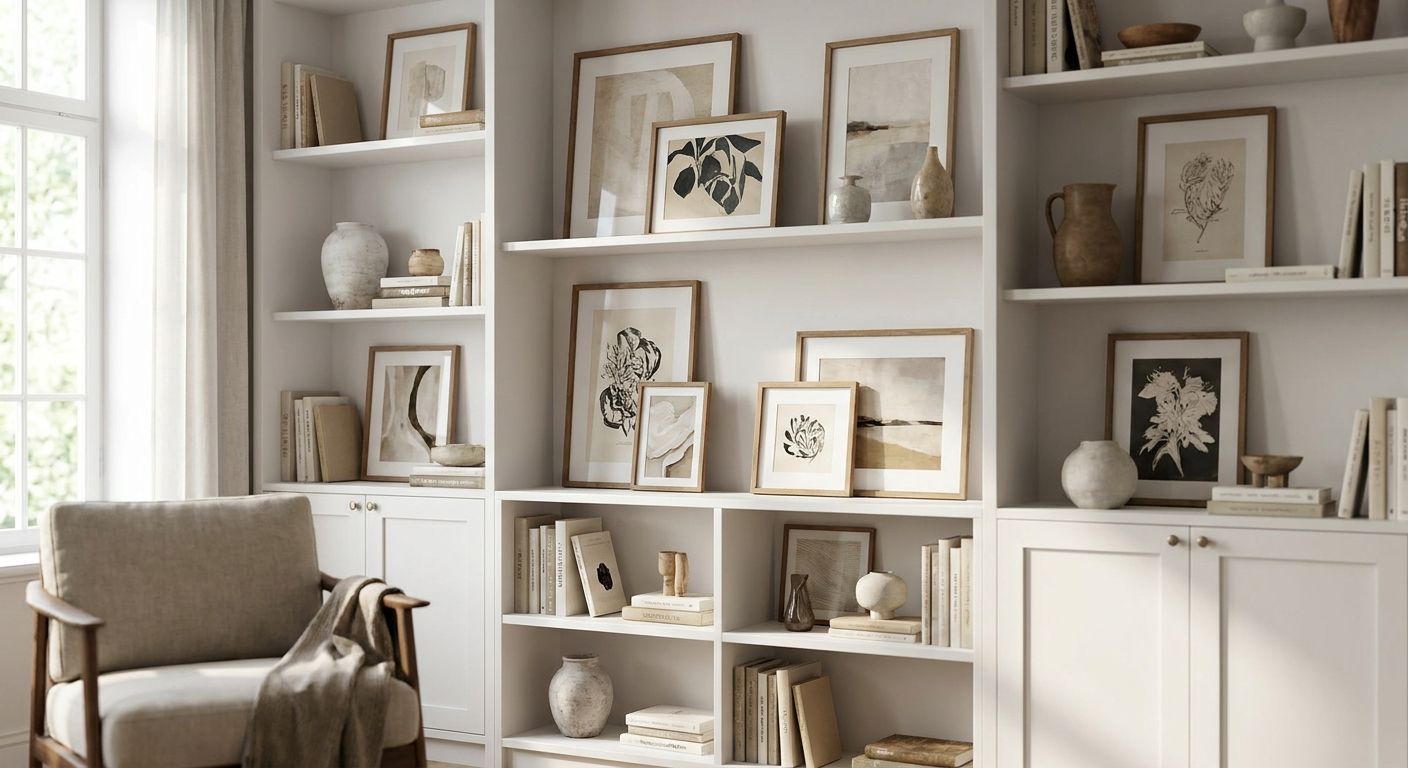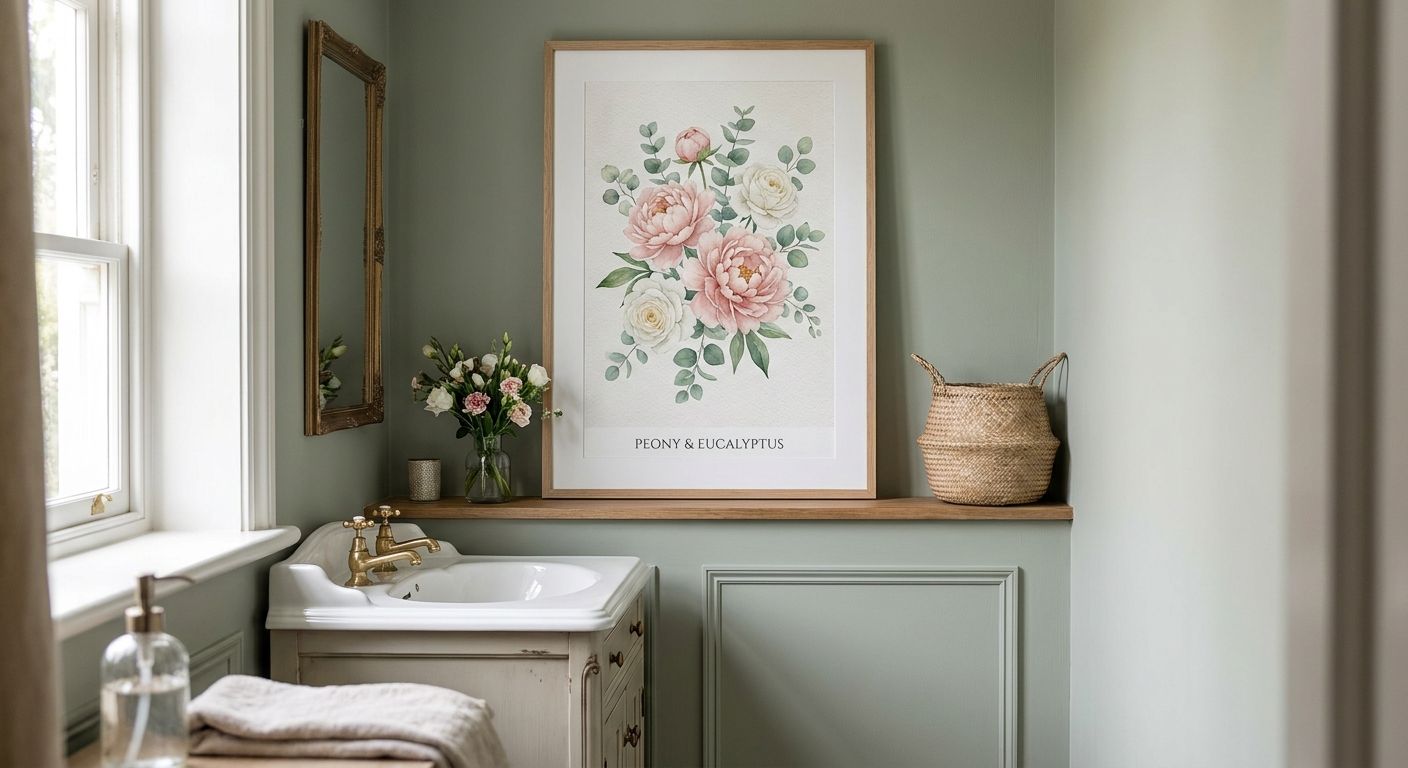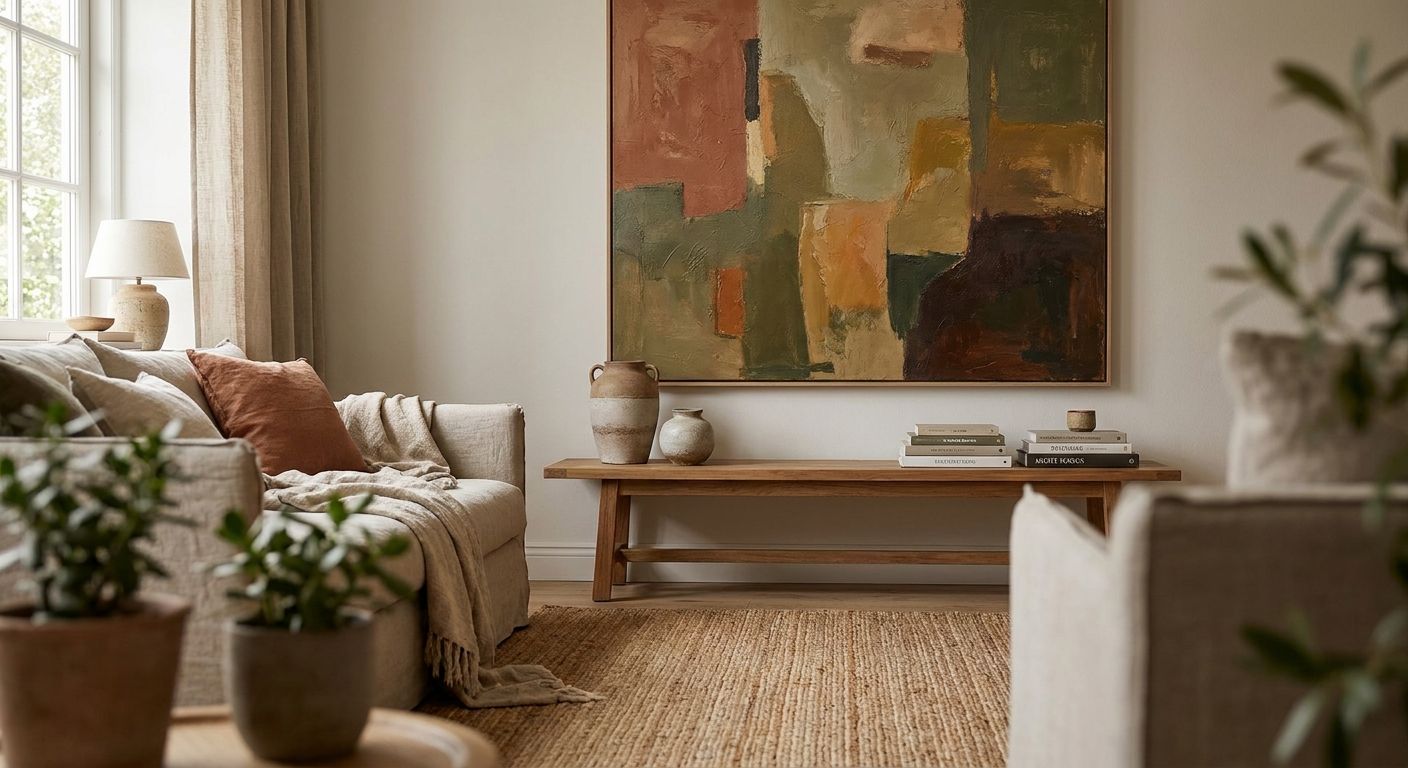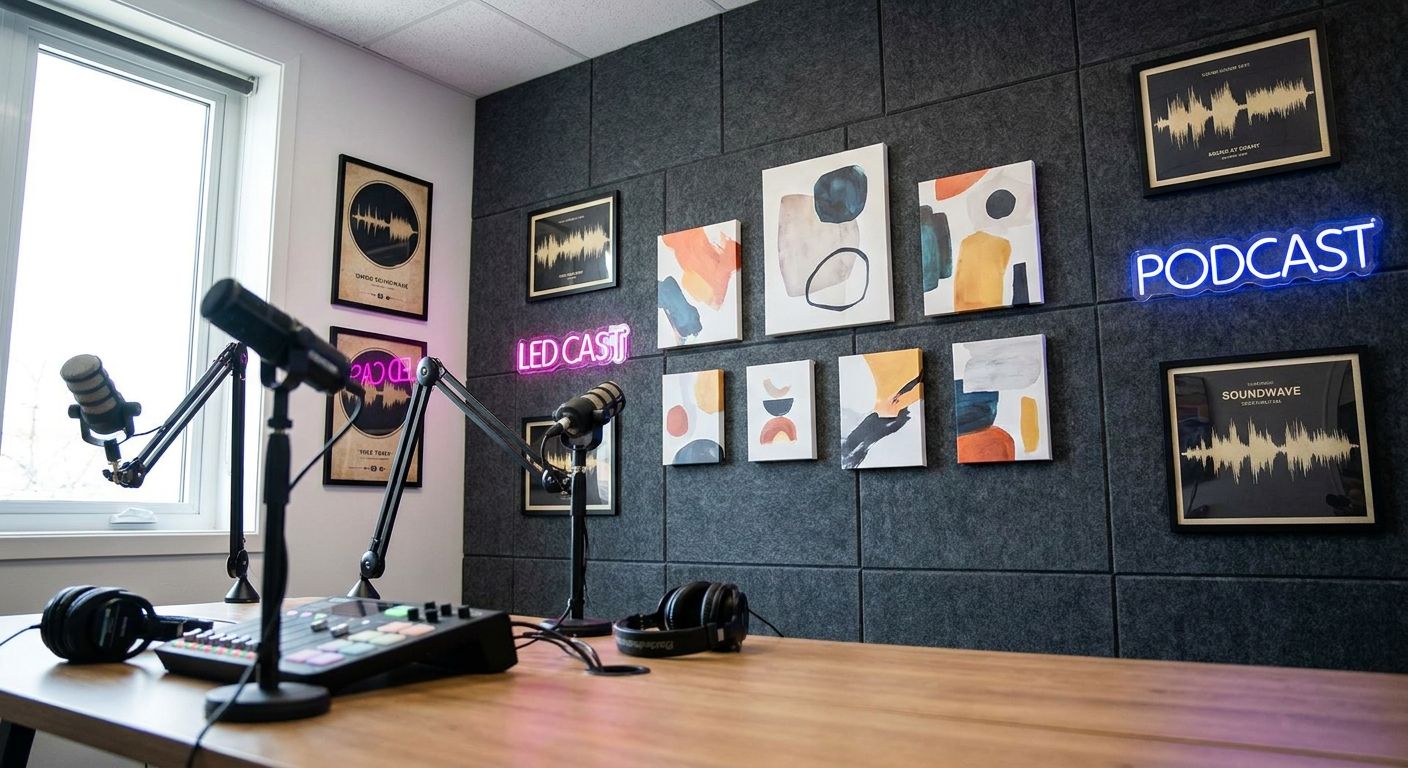
Wall art for podcast studios is decor picked to perform on camera, not just on a wall — it has to read clearly through a webcam or DSLR, survive hours under a ring light, and reinforce the host's brand without pulling focus from the conversation. Podcasters need narrower, more deliberate choices than a typical living room wall because every square inch behind the mic ends up in a fixed, lit frame for the length of the episode, week after week, in 2026's video-first podcast landscape.
- Wall art for podcast studios needs matte, high-contrast pieces — glossy glass frames catch ring-light glare on camera.
- Canvas prints beat framed glass for podcast backdrops because canvas has no reflective surface to blow out.
- One statement piece reads better on a fixed webcam frame than a busy gallery wall of small prints.
- Size art to the visible camera frame, not the full wall, and test it under your actual studio lighting before buying.
Why wall art matters for podcast studios
A podcast backdrop is closer to a permanent set piece than ordinary wall decor. The same frame shows up in every episode thumbnail, every clip pulled for social, every guest's first impression of the show. Gioia Wall Art carries over 6,000 curated prints across canvas, framed, and poster formats, and podcast studios are one of the harder rooms to shop for because the usual decor rules — hang it where it looks nice from the couch — don't apply here.
What matters instead: how the piece reads through a compressed video feed, under a ring light, at a fixed angle, for 45 minutes at a stretch. A print that looks rich in person can wash out flat on stream. That's the gap this guide closes.
Build your podcast backdrop wall step by step
Audit your camera frame before you buy anything
Sit in your normal recording chair, open your camera app, and screenshot exactly what's visible behind you before you shop for a single print.
- Mark where the frame edges land on the wall so nothing gets cropped mid-shot
- Note fixed elements already in view — shelf, mic arm, monitor edge — the art has to work around them, not fight them
- Check the frame in both landscape (YouTube) and any vertical crop you export for clips
- Repeat the check with your ring light or key light on, not just ambient room light
This step matters more than it sounds like it should — it's the same logic behind choosing wall art for a home office video call background, where the camera frame, not the room, decides what counts as decor.
Choose bold, high-contrast art over busy patterns
- Pick pieces with a clear focal point instead of dense, small-scale patterns that turn to visual noise at webcam resolution
- Favor two or three strong colors over a muddy multi-tone piece
- Skip fine text or small typography prints — they're unreadable at streaming resolution
- Test on your actual camera, not just in person — screen compression flattens subtle color shifts
Pick canvas over framed glass to kill glare
Canvas wins over glass here, plainly. A matte canvas surface won't bounce a ring light back into the lens the way glass or acrylic will.
- Canvas prints have a non-reflective surface that stays flat on camera at almost any lighting angle
- Framed prints under glass or acrylic catch window light and LED panels at nearly any angle
- If you want a frame look, ask for canvas mounted on a wood frame rather than a glass-covered print
- Matte poster prints work in a pinch but wrinkle and curl faster than stretched canvas
Size the piece to the camera frame, not the whole wall
- Measure only the section of wall visible in your camera frame, not the full wall behind your desk
- One large canvas usually reads better on camera than two or three small ones competing for attention
- Leave breathing room between the art edges and any shelf, plant, or light stand in frame
- Run the numbers against the right canvas size for your wall guide before ordering if you're unsure of proportions
Match colors to your on-screen brand palette
- Pull two or three colors from your podcast logo or thumbnail template and look for art that echoes them
- Warm tones — terracotta, mustard, deep green — read well under most ring lights without shifting skin tones
- Avoid pure white backgrounds in the art itself; white blocks blow out next to a bright LED panel
- Keep the palette consistent with past episode thumbnails so the channel looks cohesive over time
Layer in secondary elements without cluttering the shot
- Add one small shelf object or plant, not five — clutter reads worse on camera than it does in person
- Keep secondary items below the art, not competing with it for the same visual weight
- Cap a gallery-style look at two or three pieces max for a fixed webcam frame
- Leave negative space above and to the sides so the shot doesn't feel cramped
Hang for stability, not just for looks
A canvas that shifts mid-recording is a visible distraction on camera, so secure it properly the first time.
- Use studs or rated wall anchors for anything over 30x40 inches — adhesive strips alone won't hold long-term
- Set the piece level at seated eye height for the normal recording position, not standing height
- Recheck hanging hardware after any lighting rig changes — vibration from stands can loosen it over time
- Re-level the piece after a few weeks of regular shooting
Test under your actual lighting before committing
- Record a full test clip under the ring light or key light, not just a phone photo
- Watch playback at streaming resolution — colors that look fine live can flatten on compressed video
- Check for glare at the exact angle the camera sits, since even canvas can catch light at steep angles
- Get a second opinion from someone who hasn't seen the studio in person — fresh eyes catch what a host has gone blind to
“If your wall art has a shine to it, it's already working against you on camera.”
Compare your options for a podcast backdrop
| Option | Best for | Key limitation |
|---|---|---|
| Canvas print | Studios recording under ring lights or LED panels | Costs more than an unframed poster |
| Framed print (glass) | Even, low-glare ambient light with no direct LED hit | Glass reflects ring lights and window light on camera |
| Poster (unframed) | Budget setups or temporary backdrops | Curls and wrinkles faster near vents or windows |
| Original painting | Hosts wanting a one-of-a-kind, on-brand focal piece | Higher cost, typically a single unique piece rather than a matched set |
Verdict: canvas is the safest default for wall art for podcast studios in 2026 — it holds up under repeated ring-light exposure better than glass or unframed paper.
Common mistakes podcasters make with backdrop art
- Hanging a five-piece gallery wall behind the mic — on a fixed webcam frame it reads as clutter, not curation
- Choosing white matting or a white-heavy print that blows out next to a ring light and pulls focus from the host's face
- Sizing the piece for the whole room instead of the narrow slice the camera actually sees
- Picking a framed piece with glass, then discovering the glare only after the first recorded episode
- Ignoring the vertical crop — a piece balanced in 16:9 landscape can look off-center in a 9:16 clip pulled for social
FAQ
What's the best wall art for a podcast studio backdrop?
Matte canvas prints with bold, high-contrast color are the best wall art for podcast studios because they don't reflect ring lights. Framed glass or metallic finishes are the pieces to avoid behind a mic.
Should I use framed art or canvas prints behind my podcast setup?
Canvas prints are the safer choice behind a podcast setup since they carry no glass or acrylic to catch glare. Framed prints work only in rooms with even, indirect light and no ring light hitting the wall directly.
How big should wall art be for a podcast studio?
Size the piece to the section of wall your camera actually shows, not the full wall. One large canvas usually reads cleaner on camera than several smaller prints crowded into the same frame.
Does glass framing cause glare on camera?
Yes, glass and acrylic framing reflect ring lights and window light at almost any camera angle. A matte canvas surface avoids this problem entirely.
What colors work best for a podcast backdrop?
Warm, saturated tones like terracotta, mustard, and deep green read well under most ring lights without shifting skin tone on camera. Pure white backgrounds inside the art tend to blow out next to LED panels.
Can I use a gallery wall behind my podcast desk?
A gallery wall can work if capped at two or three pieces, but anything larger reads as clutter on a fixed webcam frame. One statement canvas is usually the stronger on-camera choice.
How much does wall art for a podcast studio cost?
Canvas prints at Gioia Wall Art run $179.99, drawn from a catalog of more than 6,000 curated pieces across canvas, framed, and poster formats. Pricing for framed or original pieces varies by size and finish.
Should podcast wall art match my brand colors?
Matching two or three colors from your logo or thumbnail template keeps the channel visually consistent across episodes. It also helps the backdrop read as intentional rather than incidental on camera.
One last thing
Desk-mounted webcams sit lower than eye level on most setups, which means they catch glare at steeper angles than a host ever notices while looking at their own screen. A matte canvas that looks perfectly fine standing in the room can still throw a hot spot back at a low-mounted camera — it's the single most common surprise podcasters run into after they've already hung the art. Test at the actual camera height, not the height you view the wall from when you're setting it up.