Your video call background says more about your home office than your slide deck does. Pick the wrong wall art for video call background use and it either disappears into a gray blur or throws glare straight into your webcam; pick the right piece and clients remember your workspace as much as your pitch.
- A 30x40 inch canvas or larger reads clearly on camera; anything smaller disappears in a laptop frame.
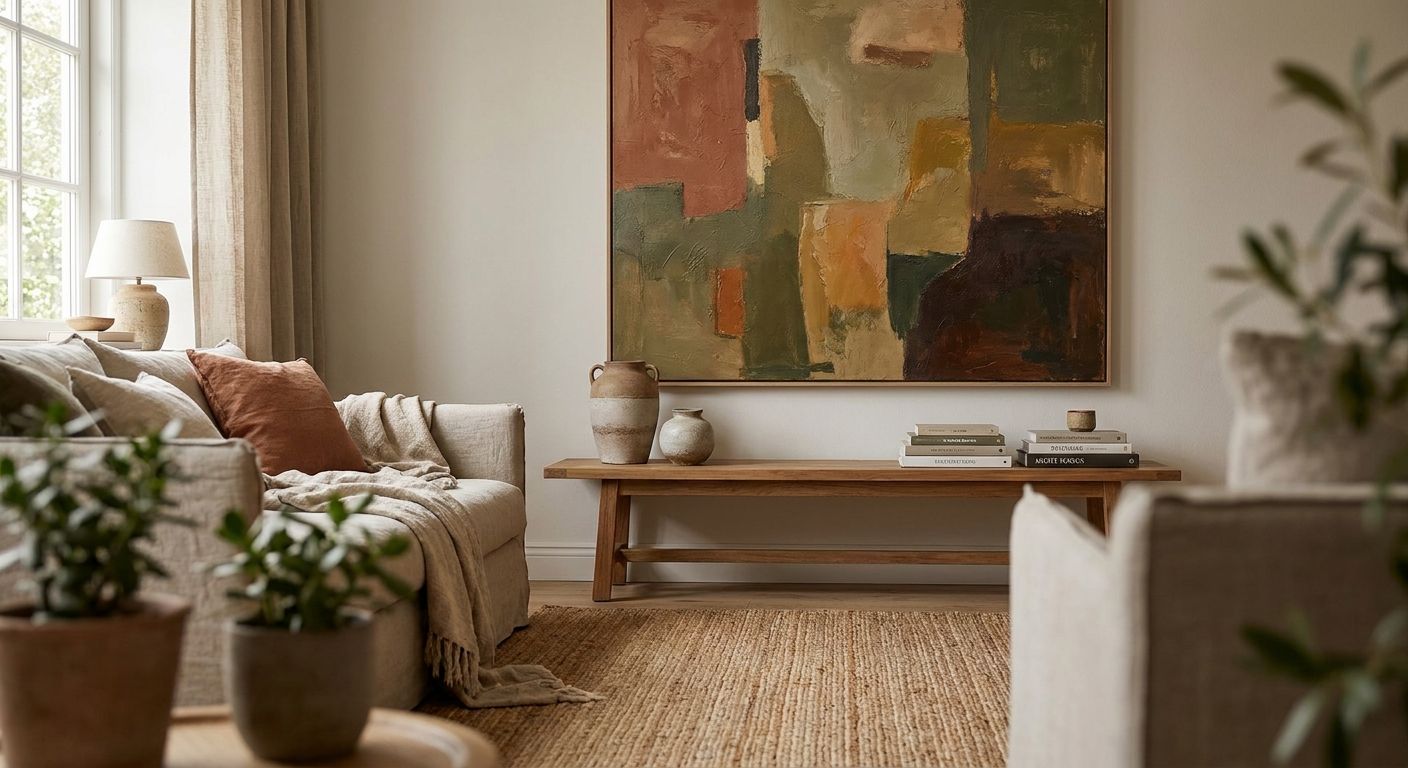
- Muted, warm-toned wall art for video call backgrounds beats glossy or high-contrast prints under ring lights.
- Center the piece 6 to 8 inches above your monitor line, not at standard 57-inch gallery eye height.
- Busy patterns and metallic frames cause glare and moire on camera; matte canvas wins every time.
- Gioia Wall Art's framed prints made for home offices are the Buy-verdict pick for 2026 video backgrounds.
Why this matters
Video calls are the default meeting format for most remote and hybrid teams in 2026, and the wall directly behind your desk is the only piece of your home a client, investor, or coworker ever actually sees. A blank wall reads unfinished. A cluttered gallery wall reads distracting. The right piece of wall art, sized and placed correctly, reads intentional in under three seconds of screen time, which is about how long anyone actually looks at your background before the meeting starts.
This matters more than people admit because backgrounds get judged fast and silently. Nobody says anything about a crooked frame or a washed-out print, but they notice, and it shapes the impression before you say a word. Getting this right is a one-time fix, not an ongoing chore, which makes it worth doing properly the first time.
What you'll need
- A tape measure to confirm the visible wall zone behind your desk chair
- Your webcam's actual framing distance, typically 24 to 36 inches from your face
- A sense of your room's existing color palette (walls, desk finish, chair fabric)
- One statement piece rather than several small ones — framed art prints built for home offices are sized for this exact use case
- A level and the correct wall anchors for your wall type
- 15 to 20 minutes to test the placement on an actual call before committing to hooks
The steps
1. Map your actual camera frame first
Sit in your normal call position and check what your webcam captures, not what you see when standing in the room. Most laptop webcams sitting 24 to 36 inches away capture a frame roughly 3 to 4 feet wide behind a seated person. Anything outside that zone is wasted wall space for this purpose. Common mistake: measuring the whole wall instead of the narrow slice the camera actually sees, which leads to art placed too far off-center to register on screen.
2. Choose one statement piece over a cluster
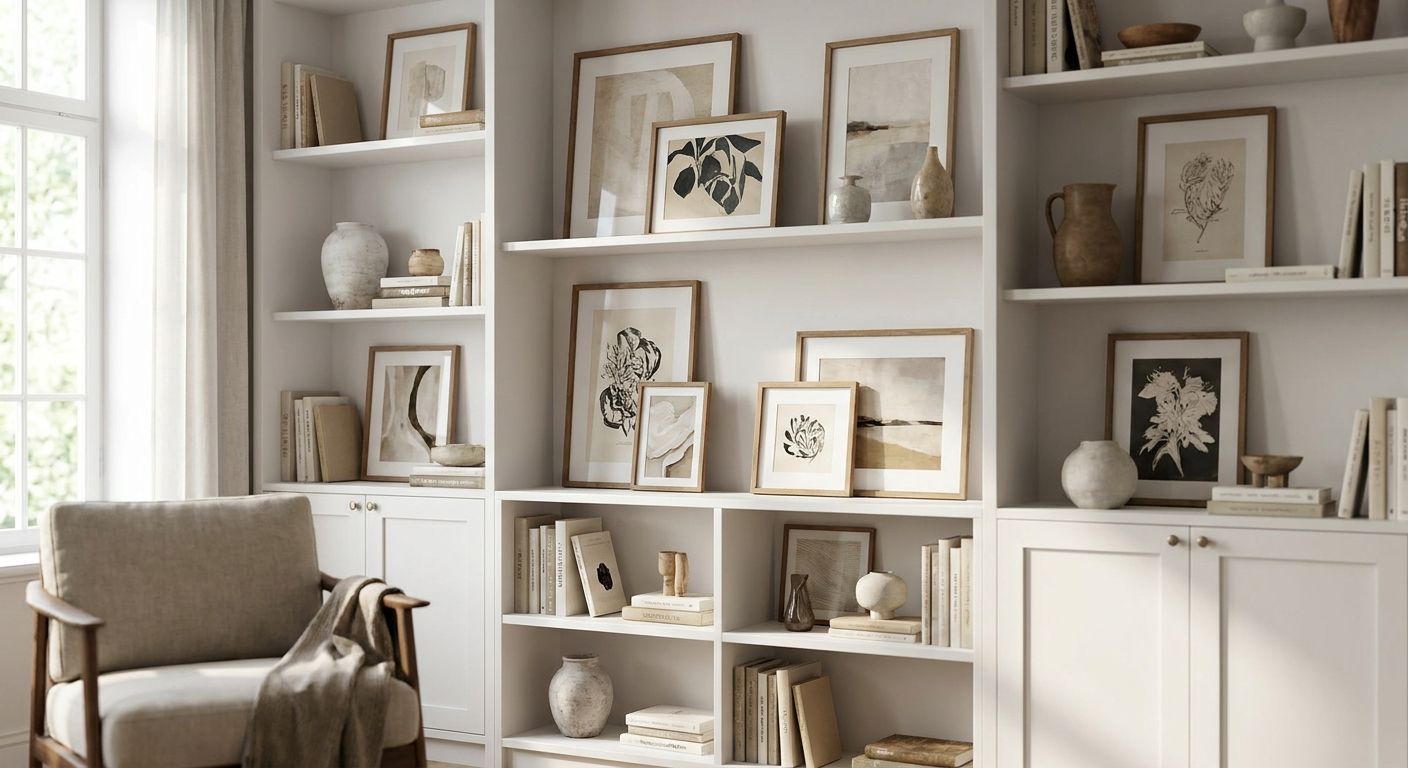
A single large canvas reads as intentional on camera; three or four small frames read as clutter because the compression and low resolution of most video platforms erase fine detail. Aim for a piece at least 30x40 inches if your wall allows it — smaller prints under 20x24 inches often shrink to a smudge of color on the other end of the call. Common mistake: hanging a gallery wall meant for in-person viewing, which looks great walking past it and chaotic through a 720p feed.
3. Match tone, not just color, to your lighting
Ring lights and desk lamps push warm or cool color casts depending on the bulb, and glossy or high-contrast prints amplify that cast into visible glare spots. Warm, muted tones and matte canvas finishes hold up far better on camera than metallic accents or bright white mats. If your room runs cooler light, lean into pieces with warmer undertones to balance the feed rather than fighting your existing lamps.
4. Size it to the wall, not to your instinct
The standard sizing rule of covering 60 to 75 percent of the available wall segment above furniture still applies here, but the segment you're sizing to is the camera-visible zone from step one, not the full wall. Run the numbers against the canvas size guide before ordering — undersized art is the single most common mistake in home office video backgrounds. Expected outcome: the piece fills a clear third to half of your visible frame without crowding your face.
5. Hang it higher than gallery-standard
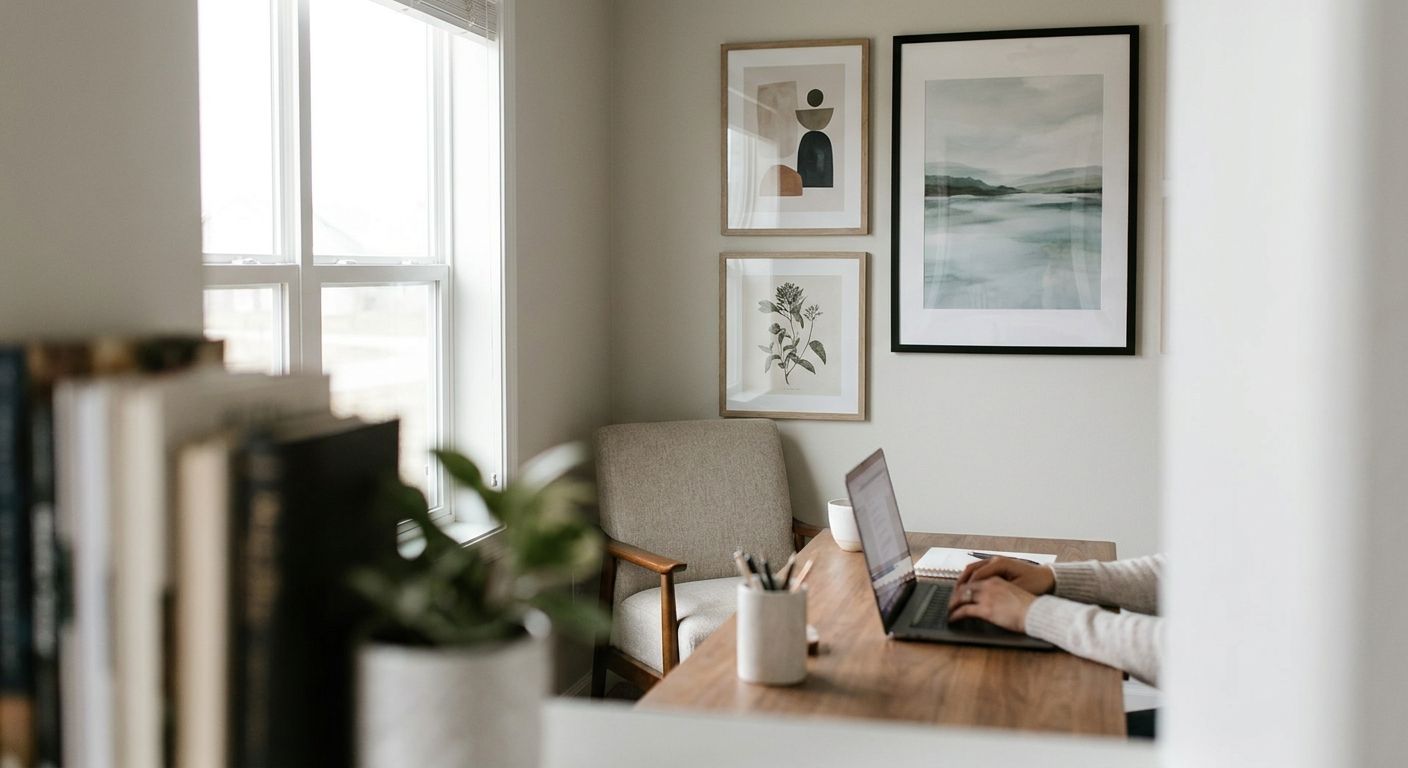
Standard gallery height puts the center of the art at 57 inches from the floor, which works for a room you walk through but sits too low relative to a seated camera angle. For video call backgrounds, center the piece 6 to 8 inches above your monitor's top edge so it frames your head without competing with it.
6. Coordinate with your existing palette before you buy
A piece that clashes with your desk finish or wall color reads as an afterthought on camera, where color differences get flattened and exaggerated at once. Check the room's dominant tones against the color palette matching guide before committing, especially if your walls are a saturated color like navy or sage.
7. Test it live before you finalize the hanging
Prop the piece against the wall and join a real call, or record a 30-second video of yourself at your desk, before drilling anything. Screens compress color and detail differently than your eyes do in the room. Common mistake: trusting how the art looks in person and skipping this test, then discovering on a real client call that the frame throws a bright glare from a window you forgot to account for.
“If your camera framing cuts off more than half a canvas, size up, not down.”
Troubleshooting
- Glare washes out the art on camera: Move the piece a few inches off-axis from your window or overhead light, or switch to a matte canvas finish instead of a glossy print.
- Art looks tiny or unreadable to callers: You're likely under the 30-inch minimum width for this use case; size up or choose a single bold piece instead of a set of smaller ones.
- Colors look flat or gray on the call but fine in person: Your webcam's white balance is fighting a cool-toned print; swap to something with warmer undertones or add a warm desk lamp to counteract it.
- Frame edges create a shimmering pattern on screen: That's moire from a fine metallic or high-contrast border interacting with your camera's sensor; a plain matte or canvas-wrap frame eliminates it.
- The piece looks off-center on some calls but not others: You're likely shifting seat position between calls; mark your chair position with tape so the framing stays consistent.
- Art looks great solo but clashes once your bookshelf or plant is also in frame: Zoom out and evaluate the whole visible zone together, not the art in isolation, before finalizing placement.


Tools and resources
- Tape measure and a level for accurate placement before drilling
- A test call or 30-second selfie video to check color and framing before committing
- How to hang canvas art without damaging walls for anchor and hardware guidance on rented or drywall-only offices
- A single large statement canvas rather than a multi-panel set, which reads better through screen compression
What to do next
Once your background piece is hung and tested on a real call, the rest of your home office setup should reinforce it rather than compete with it. The home office wall art guide for productivity covers how to layer in secondary pieces, shelving, and desk accessories without cluttering the camera zone again.
FAQ
What's the best wall art for a video call background?
A single large canvas, 30x40 inches or bigger, in a muted or warm tone with a matte finish is the best wall art for a video call background in 2026. Smaller pieces or busy patterns tend to shrink or shimmer through webcam compression.
How big should wall art be for a home office video background?
Aim for a piece that fills roughly a third to half of your camera's visible frame, which usually means 30x40 inches or larger for a standard 24 to 36 inch webcam distance. Anything under 20x24 inches often reads as a smudge of color on the other end of the call.
Should wall art be centered behind me or off to the side on video calls?
Centered behind your head at 6 to 8 inches above your monitor line looks most intentional on camera. Off-center placement works only if it's deliberately balanced by a plant, shelf, or lamp on the opposite side of the frame.
Is a busy pattern bad for a video call background?
Yes, busy or high-contrast patterns create visual noise and can trigger moire, a shimmering effect caused by fine detail interacting with your camera sensor. A single-subject piece with a calm background reads far cleaner on screen.
What color wall art works best on camera?
Muted, warm-toned pieces hold up best under typical ring light or desk lamp lighting, which tends to push a cool or yellow cast. Bright white mats and metallic frames are the most common cause of glare complaints on calls.
How high should I hang art in a home office for video calls?
Hang the center of the piece 6 to 8 inches above the top of your monitor, higher than the standard 57-inch gallery-height rule used for walkthrough spaces. This keeps the art visible in the camera frame without crowding your face.
Can a gallery wall work as a video call background?
A multi-panel gallery wall usually reads as cluttered once compressed through webcam video, so a single statement canvas performs better for this specific use. Save gallery layouts for walls you view in person, not walls behind a desk chair.
Does glossy or matte wall art look better on camera?
Matte finishes look better on camera because they don't bounce window or ring light glare back into the lens the way glossy prints or glass-framed pieces do. Canvas wraps are the safest bet for a consistently clean feed.
One last thing
The piece that looks slightly too plain in person, a single muted still life or a soft landscape with no fine detail, is almost always the one that reads best once it's compressed through a 720p webcam feed in 2026. Save the busy, high-detail gallery pieces for walls nobody is streaming, and let the calm one carry your video calls.