Ordering a custom canvas print from your own photo comes down to five choices: the file, the crop, the size, the finish, and where it hangs. Get those right and the canvas on your wall looks as sharp in 2026 as the photo did on your phone. Get them wrong and you end up with a blurry, oddly-cropped print you're stuck with.
- Start with a photo at least 3000 pixels on the long edge before you order custom canvas prints from your photos.
- Crop before uploading — canvas wrap eats 1.25 to 1.5 inches off every edge.
- Pet portraits need paws or tails inside the frame; family photos need headroom above faces.
- Buy: request a digital proof before production on any custom canvas print in 2026.
- Match canvas size to the wall first, then pick the finish — framed or unframed.
Why this matters
A canvas print is permanent in a way a phone photo isn't. Once it's stretched and shipped, a soft or badly-cropped image can't be un-printed. Custom canvas prints from your photos work exactly the same as any other wall art order at Gioia Wall Art — the print quality depends entirely on what you upload, not on the printer. Fix the file before you fix the wall.
Most of the disappointment with custom canvas prints traces back to one of two things: a low-resolution photo stretched too large, or a crop that clips a head, a paw, or the point of the photo. Both are avoidable in under ten minutes.
What you'll need
- A high-resolution photo — 300 DPI at final print size is the print-industry standard, or at minimum 3000 pixels on the long edge for anything 16x20 inches or larger
- Basic cropping tools (your phone's photo editor is enough)
- A tape measure and a sense of the wall you're printing for
- 10 minutes to review the file before you upload it
- Access to Gioia Wall Art to start the custom order
The steps
1. Pick a photo with one clear subject
A canvas print reads best from across a room, so busy backgrounds and multiple competing subjects get lost. Pick the shot where one person, one pet, or one moment is the obvious focal point — not the group photo where everyone's tiny in frame.
Outdoor light and straight-on angles hold up better at large sizes than dim indoor shots or extreme close-ups. The photo that looks great as a 4x6 print isn't automatically the one that will look great at 24x36 inches.
Common mistake: choosing a screenshot or a photo pulled from a text message thread. Both compress the image and strip resolution before you've even started.
2. Check the resolution before you upload
Zoom into the photo at 100% on your screen. If it looks soft or pixelated at that zoom level, it will look softer once it's stretched across a canvas. As a rule of thumb, a photo needs roughly 3000 pixels on its longer edge to hold up cleanly at 16x20 inches, and closer to 4500 pixels for anything approaching 24x36 inches.
This matters more for custom canvas prints than for standard framed prints, because you're the only quality control between the photo and the printer. There's no design team catching a blurry upload before it ships.
3. Crop with the canvas wrap in mind
A canvas print isn't flat — the image wraps around the wooden stretcher bars on the sides, which typically eats 1.25 to 1.5 inches off every edge. If a face, a logo, or the top of someone's head sits right at the edge of your original photo, it can end up wrapped around the side of the canvas instead of facing the room.
Crop with generous margin around anything important. For custom pet portrait canvas prints, that means leaving room around ears and tails. For portraits, leave headroom above the crown of the head.
“If the crop touches the top of someone's head, order it one size up.”
4. Choose a size that matches the wall, not the photo
Measure the wall space before picking dimensions — a custom canvas print should fill roughly two-thirds of the available wall width for a single-piece hang, or work as a set if the wall is wider. Standard sizes like 16x20, 20x30, and 24x36 inches cover most bedroom, hallway, and living room spots without needing anything oversized.
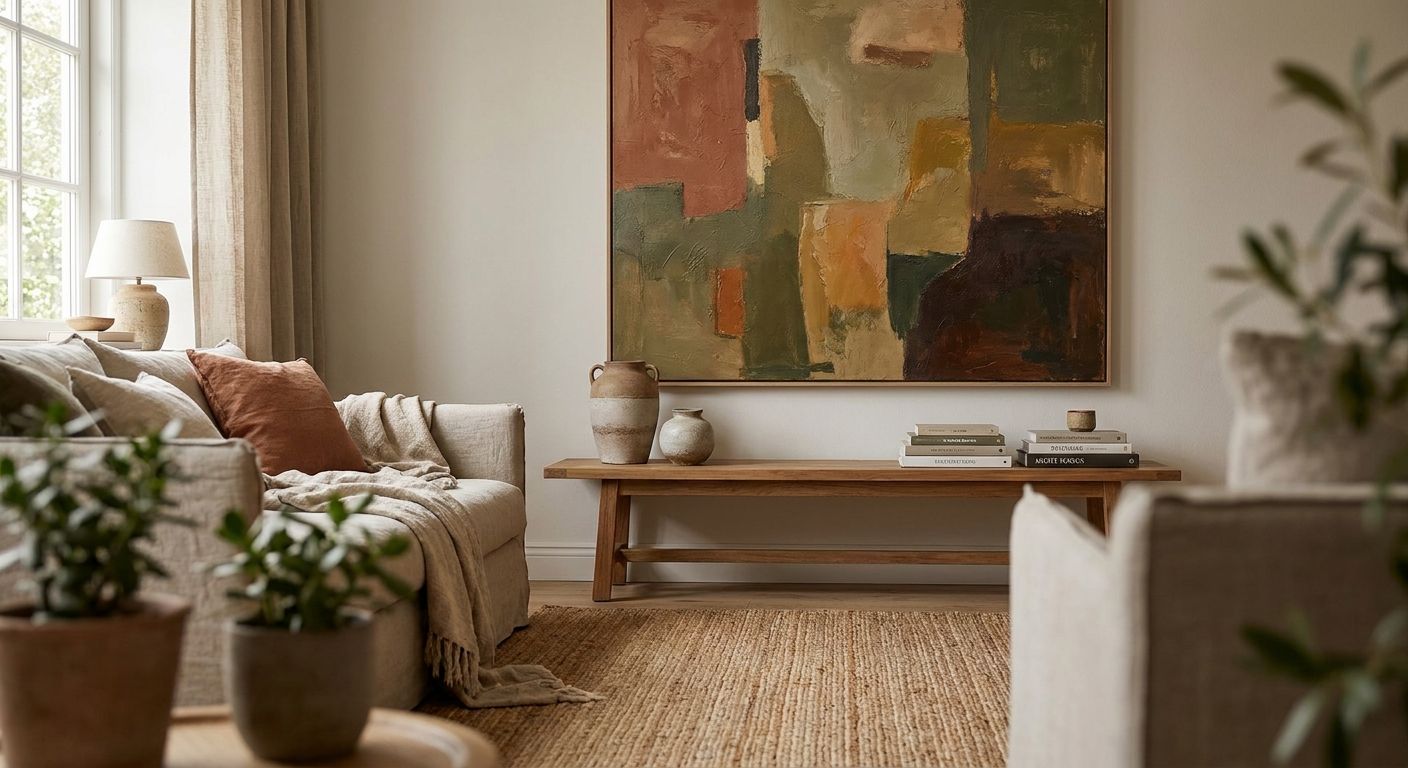
Family photo canvases tend to work best in horizontal formats over a sofa or console table; custom family photo canvas art sized around 24x36 inches is a common choice for a single statement piece above furniture.
5. Pick the finish: framed or unframed
Gioia Wall Art's catalog includes both framed and unframed options across canvas prints, and the same choice generally applies to custom photo canvases. Unframed gallery-wrapped canvas gives a cleaner, more modern edge; a frame adds a more traditional, finished look, especially in a formal dining room or entryway.
Decide this before you finalize the order, since finish affects both the final size and how the piece reads on the wall once it's hung.
6. Upload the file and request a proof
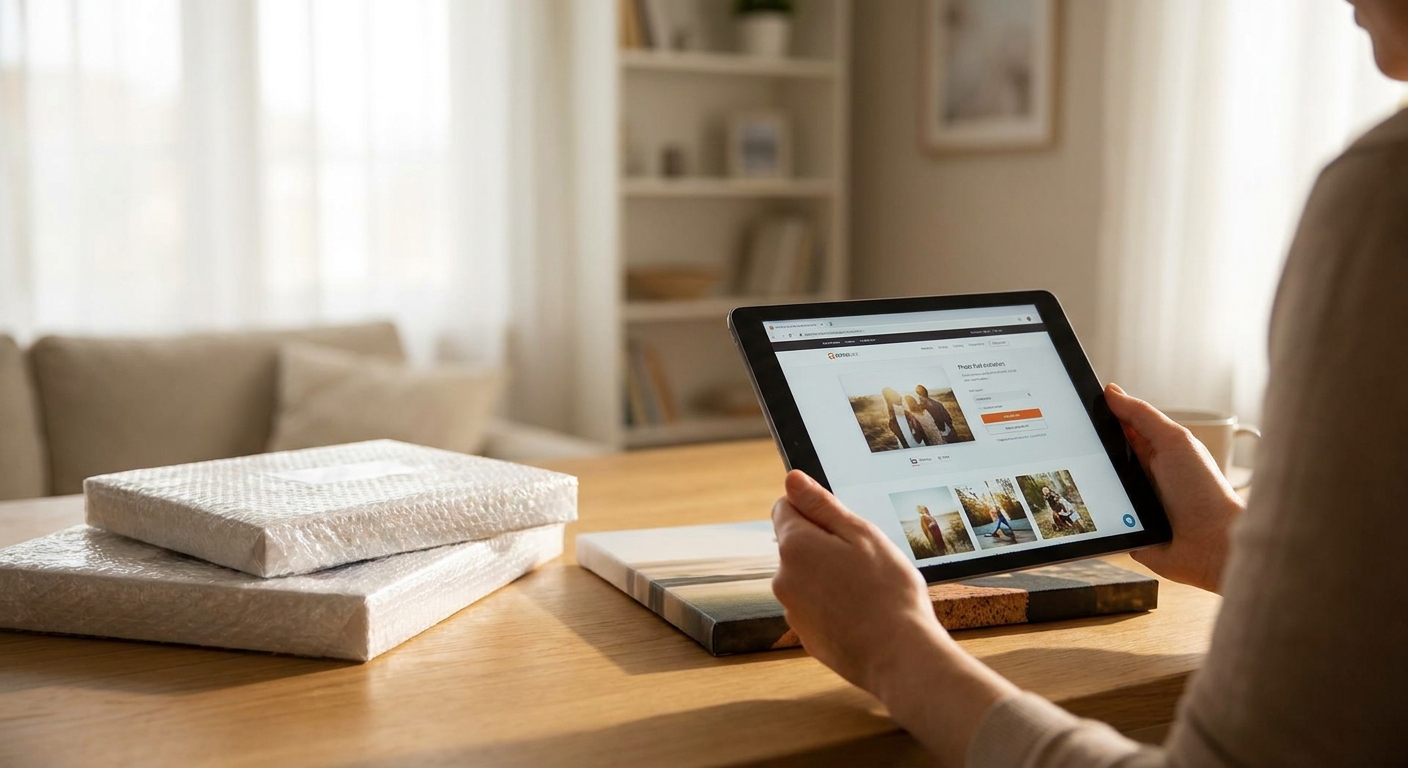
Upload the highest-resolution version of the file you have — never a version that's already been resized down for social media or email. Once it's uploaded, request a digital proof or preview before the print goes into production if that option is available at checkout.
A proof is the last chance to catch a bad crop, a color cast, or a resolution warning before the canvas is actually printed. Skipping this step is the single biggest reason custom orders come out different than expected.
7. Confirm placement before checkout
Hold a piece of paper or painter's tape at the wall in the size and shape you're ordering. This ten-second check catches sizing mistakes that are much harder to fix once the canvas has shipped — especially for pieces going in tight spots like above a sofa, an accent wall, or a narrow hallway.
Verdict: order a proof, measure the wall twice, and only then submit — Buy. Skipping either step and hoping the size looks right when it arrives is a Skip.
Troubleshooting
- Preview looks blurry or pixelated — the source file is too low-resolution for the size ordered. Drop the print size down or find a higher-resolution version of the same photo.
- A face or head got cropped at the edge — the canvas wrap ate into the image. Re-crop with at least 1.5 inches of margin around anything important and re-upload.
- Colors look washed out or too warm/cool on screen — this is often a screen calibration issue rather than the actual print. Request a proof before assuming the file is wrong.
- A pet's ears or tail got cut off — animals rarely sit still for a perfectly centered shot. Choose a photo with more background space around the pet, not just around the face.
- Photo is technically high-resolution but still looks soft — motion blur or low light at the time the photo was taken can't be fixed by resolution alone. Pick a different shot if one's available.
- Orientation looks wrong once ordered — vertical photos rarely work well stretched into a wide horizontal canvas. Match the orientation of the crop to the orientation of the wall space.
Tools and resources
- Custom canvas prints from your photos — the starting page for any custom order
- Custom pet portrait canvas prints — cropping and framing notes specific to pets
- Custom family photo canvas art — sizing guidance for group and family shots
- A basic photo editor with a crop tool and a zoom function to check resolution
- A tape measure for the wall you're ordering for
What to do next
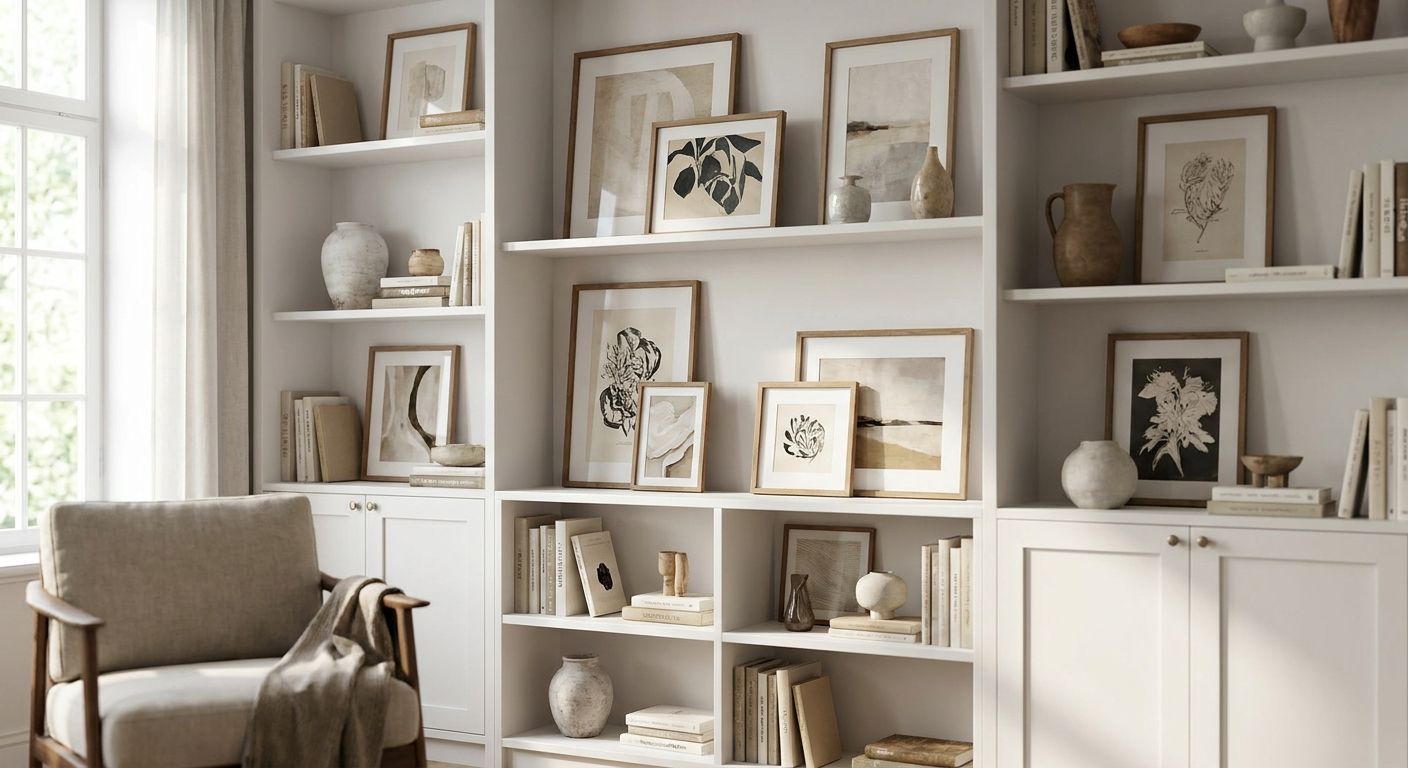
Once the custom piece is ordered, plan how it fits into the rest of the wall. If it's going up as part of a bigger display rather than a single statement piece, gallery wall sets covers spacing and layout for grouping a custom canvas with other prints.
FAQ
How much does a custom canvas print cost in 2026?
Pricing depends on size and finish, and current rates are shown on the product page before checkout. Framed options typically cost more than unframed gallery-wrapped canvas of the same size.
What resolution photo do I need for a custom canvas print?
Aim for at least 3000 pixels on the long edge for a 16x20 inch canvas, and closer to 4500 pixels for anything up to 24x36 inches. Anything pulled from a screenshot or text message thread is usually too low-resolution.
Can I order a custom canvas print from a phone photo?
Yes, as long as the original photo file is used rather than a compressed or resized copy. Most modern phone cameras shoot well above the resolution needed for a 16x20 or 20x30 inch canvas.
Is a custom pet portrait canvas different from a custom photo canvas?
The ordering process is the same, but the cropping rules differ. Pet portraits need extra margin around ears, paws, and tails since animals rarely sit centered in frame.
Can I combine multiple photos into one canvas set?
Multiple custom photos can be ordered as a set and hung together in a gallery-style layout. Keep sizing consistent across the set so the group reads as one arrangement rather than mismatched pieces.
What size custom canvas works above a sofa?
A single canvas around 24x36 inches, or a horizontal format matching two-thirds of the sofa's width, is a common choice above a sofa. Measure the wall space first and size the print to it, not the other way around.
Do custom canvas prints come framed or unframed?
Both options are typically available, mirroring the framed and unframed choices across the rest of the wall art catalog. Unframed gallery-wrap gives a cleaner modern edge; a frame suits more traditional rooms.
Why does my custom canvas look different than the photo on my phone?
Screen colors and print colors rarely match exactly due to differences in lighting and calibration. Requesting a digital proof before production is the best way to catch a real color or crop issue versus a normal screen-to-print difference.
One last thing
The detail that trips up more custom canvas orders than anything else isn't resolution — it's the wrap margin. A photo can be technically sharp at 4500 pixels and still lose a chin or a pet's ear because nobody accounted for the 1.5 inches that fold around the stretcher bars. Crop wide, leave the margin, and the rest of the process is mostly measuring a wall.